
Capital Gains on FreeTaxUSA: Step-by-Step Filing Guide
Free federal filing with full Schedule D support: enter 1099-Bs, report crypto summaries, verify basis, and review Schedule D on FreeTaxUSA without surprises.

FreeTaxUSA for Capital Gains: Overview
FreeTaxUSA files federal returns at no cost while charging roughly $15 per state, and it fully supports capital gains reporting. You can import 1099-B and 1099-DA data or key transactions manually, verify basis side-by-side, and e-file Schedule D without paying premium software prices. The Form 1040 overview maps where every capital gains figure finally lands.
FreeTaxUSA has become a serious budget option for reporting investment gains for both parties involved. The federal filing costs nothing while state returns cost a small flat fee.
Schedule D and Form 8949 support come standard in the free tier during the entire sale process.
Budget software raises fair questions about capability and support quality based on the actual dates.
Investors need honest answers before trusting any platform with gains reporting throughout the whole year. This walkthrough covers the complete capital gains journey through the product throughout the whole year.
The overall flow mirrors bigger competitors despite the dramatic price difference with clean records in place. Data entry, classification, and review steps all exist in familiar arrangements according to the official instructions.
Users switching from paid products adapt within a single session usually at today's published thresholds.
The free federal tier includes every schedule that gains reporting requires. There is no paywall between you and those forms.
Schedule D, Form 8949, and the NIIT form all appear without upgrades whenever the numbers are large. Surprise fees arrive only on the state return side with clean records in place.
Getting Started With Your Documents
 Preparation matters more for budget software because import options are limited across every common situation. FreeTaxUSA connects to some brokerages but coverage trails the premium products whenever the numbers are large.
Manual entry from consolidated statements remains the primary path for many users for the current tax year.
| Document | Needed For | Entry Mode |
|---|---|---|
| Form 1099-B | Stock and fund sales | Import or manual |
| Form 1099-DA | Crypto disposals | Summary or manual |
| Form 1099-DIV | Fund distributions | Simple box entry |
| Transaction history | Basis verification | Side-by-side check |
Download every consolidated statement before starting the entry session in real world transactions. Manual transcription errors drop dramatically when sources sit beside the keyboard based on the actual dates.
Our 1099-B guide explains each statement box.
Transaction-level detail pages deserve printing or a second screen position with clean records in place. The summary boxes hide the per-lot information entry requires across every common situation.
Keep both views available throughout the session for accuracy for both parties involved.
Entry speed improves dramatically with the keyboard-only navigation habits in real world transactions. The tab order follows the paper form layout deliberately throughout the whole year.
Experienced preparers finish dozens of lots per hour once settled based on the actual dates.
Entering Stock and Fund Sales
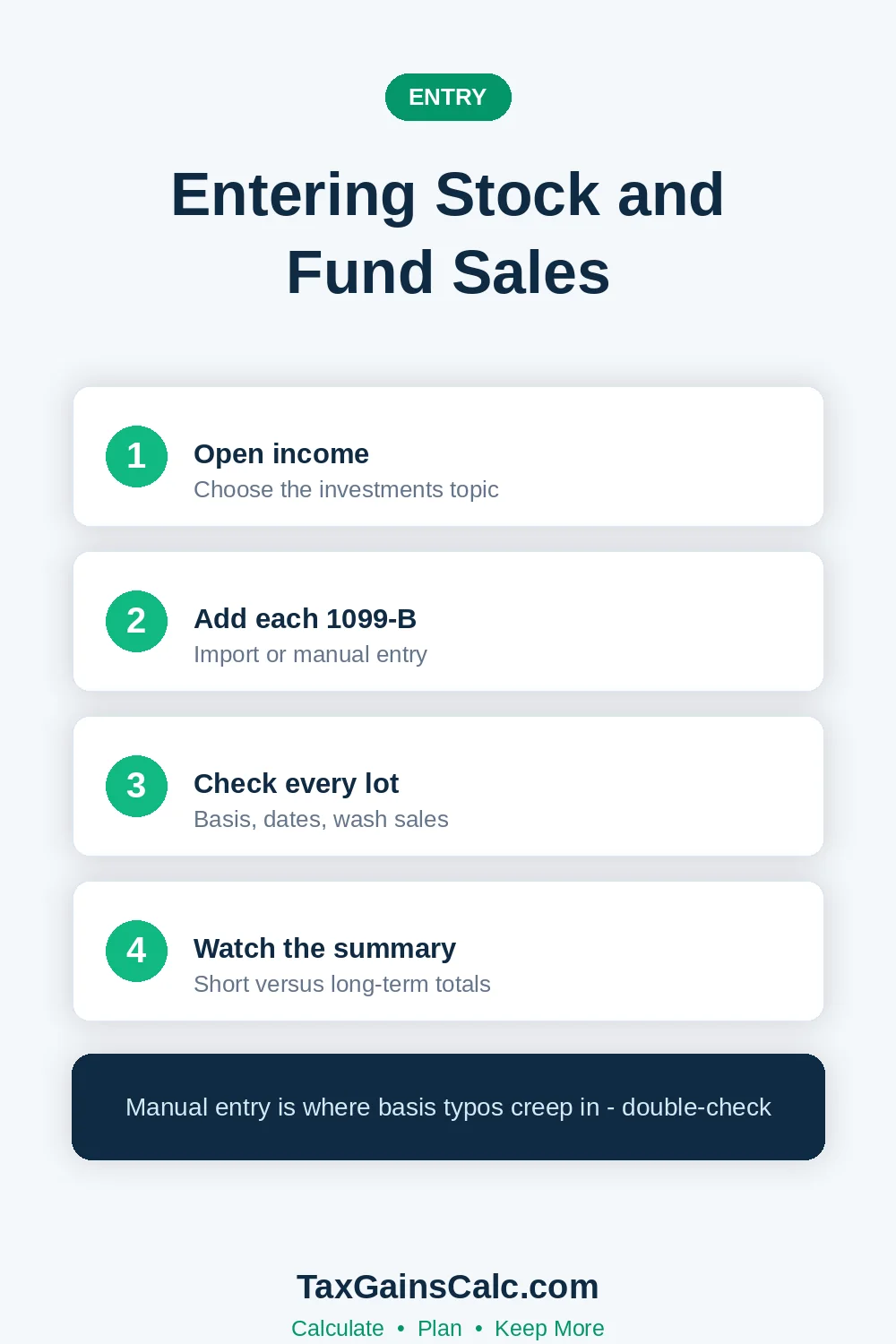 The investment income section begins with simple questions about account types throughout the whole year. Choosing the securities route brings up the 1099-B entry screen next.
The screen layout matches what brokers print on their summaries. Box-by-box entry mirrors the paper form structure closely according to the official instructions.
Each sale entry asks for proceeds, basis, dates, and the covered flag for both parties involved. Short-term and long-term classification happens from the dates entered across every common situation.
The software groups entries into the correct 8949 boxes automatically before any final decision.
Covered securities usually arrive with basis already reported by brokers for both parties involved. Uncovered positions need basis from your own purchase records instead at today's published thresholds.
Unknown basis entries produce warnings that deserve resolution before filing before any final decision.
Fund capital gain distributions enter through the 1099-DIV screen separately whenever the numbers are large. Box 2a amounts flow to Schedule D line 13 automatically throughout the whole year.
Our distribution guide unpacks that special flow step by step. The entry takes seconds once the 1099-DIV is open.
Crypto users should complete their crypto software calculations before opening any tax product. The summary totals transfer cleanly once computed properly with clean records in place.
Trying to work backwards from the tax forms only creates reconciliation pain. Start from complete records and the forms fill themselves in.
Digital asset reporting keeps evolving alongside the industry's own regulation for the current tax year. Software updates between seasons change the entry screens slightly based on the actual dates. Always review the current crypto flow rather than relying on last year's memory.
Reporting Crypto on FreeTaxUSA
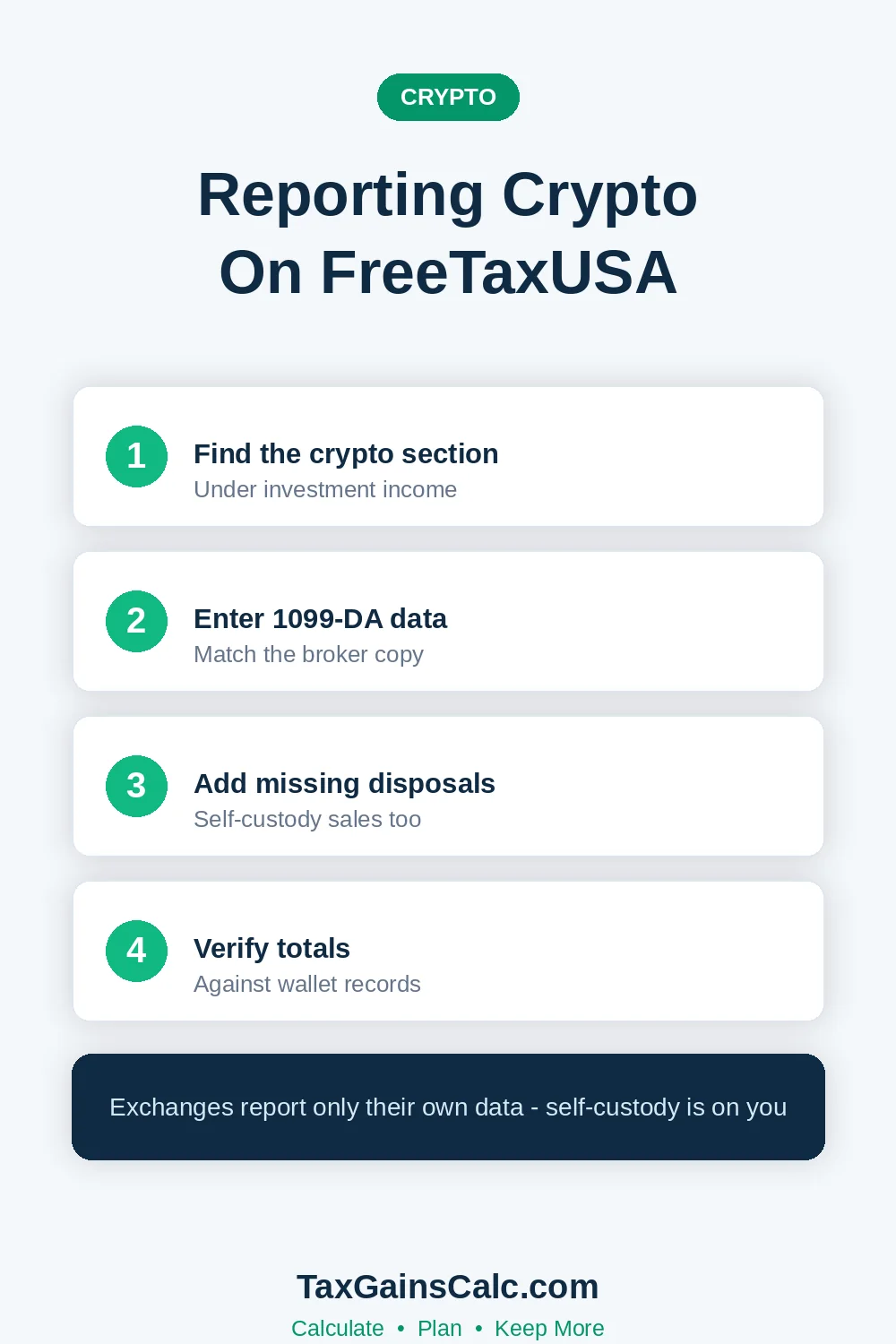 Crypto reporting starts with the digital asset question answered honestly for both parties involved. The software then asks for disposal summaries or detailed transactions under the current federal rules. Uploads from tax software exports work better than manual summaries at today's published thresholds.
The platform accepts aggregated gain totals rather than every transaction line with clean records in place. Users with hundreds of trades enter summary figures from their crypto software in nearly every filing scenario. Detailed records stay with the crypto software in case questions arrive in nearly every filing scenario.
Check the totals you entered against any Form 1099-DA that arrived. Mismatches between platforms and personal records remain common industry-wide throughout the whole year. Our crypto 8949 guide covers the underlying mechanics.
Staking rewards and mined coins never go into the disposal section. Those amounts belong on Schedule 1 as ordinary income instead.
The income gets valued at the moment you received each coin. Only sales of received coins belong on the capital gains forms for the current tax year.
Review discipline matters more on budget platforms because fewer automated checks run throughout the whole year. The software still computes everything correctly from entered data before any final decision. Entry errors remain the user's responsibility at every price point during the entire sale process.
The free tier includes the underpayment penalty computation when applicable before any final decision. Large gains trigger the penalty screens automatically during review during the entire sale process. Our underpayment penalty guide unpacks the quarterly math driving those screens.
Reviewing Schedule D and the Math
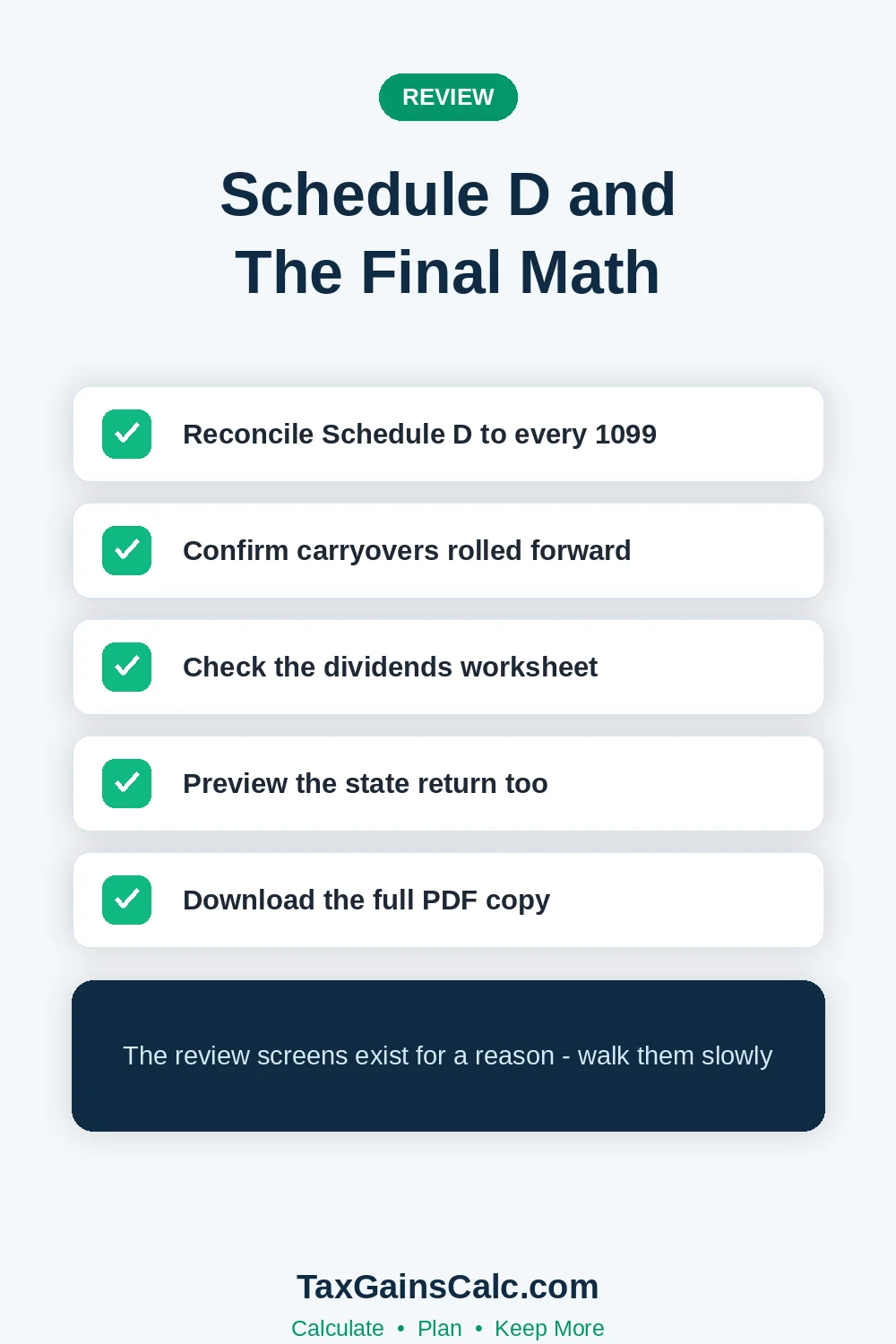 The review section displays every computed form before filing submission for the current tax year. Open the Schedule D preview and compare totals against your records with clean records in place. The four checks below catch most entry mistakes quickly at today's published thresholds.
| Check | Compare Against | Failure Cause |
|---|---|---|
| Short-term proceeds | All 1099-B summaries | Missed account |
| Long-term basis | Broker-reported figures | Unknown basis defaults |
| Carryover worksheet | Prior year Schedule D | Forgotten carryforward |
| Net gain or loss | Your own estimate | Classification errors |
The Schedule D walkthrough decodes each line you are previewing. The calculation guide provides independent verification math. Budget software skips few checks despite its price point whenever the numbers are large.
Capital loss carryforwards enter through a dedicated prior-year screen according to the official instructions. Manual entry from an old return works reliably here whenever the numbers are large.
From there, the software offsets your current-year gains with those carryovers automatically. No manual math is needed once the prior numbers are in.
State return generation follows the federal completion as an upsell according to the official instructions. The flat state fee covers complete state Schedule D handling before any final decision. Our state comparison shows what each state expects.
| Situation | FreeTaxUSA Fit | Why |
|---|---|---|
| One or two 1099s | Excellent | Simple entry, free federal |
| Multiple brokerages | Good | Manual entry manageable |
| Heavy crypto trading | Fair | Summary entry only |
| Business or estate sales | Poor | Needs professional tools |
Where FreeTaxUSA Fits and Does Not
Simple portfolios with one or two 1099s fit the platform perfectly during the entire sale process. The free federal tier handles complete Schedule D support without obstacles whenever the numbers are large. Investors with straightforward situations save real money versus competitors whenever the numbers are large.
Complex situations deserve more caution before choosing the budget route under the latest IRS guidance. Multi-state lives, estates, and business sales stretch any consumer product at today's published thresholds. Heavy crypto histories also demand tools with deeper platform integrations according to the official instructions.
Support quality differs meaningfully from the premium competitors in practice across every common situation. Free products offer limited live assistance for challenging questions for both parties involved. Self-sufficient filers with clean records rarely notice the difference before any final decision.
The IRS Free File program is another no-cost route to examine. Income limits apply to the guided versions available there in real world transactions. Direct filing options serve confident filers without any intermediary under the latest IRS guidance.
Common FreeTaxUSA Mistakes to Avoid
Skipping the basis warnings creates the most expensive filing mistakes under the current federal rules. Unknown basis entries fall back to zero, which inflates every reported gain.
Correct any bad basis figures before you submit the finished return. Purchase confirmations from your brokerage solve most of those warnings fast.
Duplicate entry of the same sale happens during interrupted sessions throughout the whole year. Users re-enter data after timeouts without checking prior entries according to the official instructions.
A short duplicate scan before filing catches doubled sales early. Sorting entries by date makes any repeat jump out immediately.
Forgetting the digital asset question draws automated notices quickly for both parties involved. It asks the question once and carries your answer to page one.
Skipping it entirely is what triggers the IRS notice. Answer honestly even when the year's activity was minimal for most ordinary investors.
Missing state entries surprise investors who file federal only initially under the current federal rules. Gains report to both federal and state systems independently during the entire sale process. Our California guide shows how state layers stack.
Saving the final PDF requires deliberate action before closing the session in real world transactions. The carryover worksheet keeps those figures alive for future tax years.
Some budget products restrict access to finished returns after the season ends. A saved PDF survives any login problem or price change later.
Price comparisons should include the state return and support needs together throughout the whole year. A free federal return plus one paid state stays genuinely cheap for most ordinary investors. Complex years often justify premium products on support value alone for both parties involved.
One last consideration should settle the platform choice for most investors. The product stores prior returns for carryover convenience across seasons for both parties involved.
Continuity counts when loss carryforwards and basis histories stretch across many years. Switching products means re-entering or rebuilding that history by hand.
Who Should Choose This Path
Confident self-preparers with organized records benefit most from the platform during the entire sale process. The combination of capability and price suits experienced filers well based on the actual dates. Investors comfortable with the underlying forms need less hand-holding anyway before any final decision.
First-time filers with simple situations also fit the product reasonably whenever the numbers are large. The interview flow explains concepts adequately for basic gain reporting across every common situation. Our beginner's guide fills any vocabulary gaps.
Investors planning complex strategies should model before entering anything whenever the numbers are large. Estimated payments, harvesting plans, and exclusions all need pre-planning in nearly every filing scenario. Our strategies guide covers the planning toolkit.
Model each planned sale in our capital gains calculator before committing. The bracket calculator confirms rates before filing season arrives. Preparation transforms any software experience from stressful to routine according to the official instructions.
One final organizational habit completes the FreeTaxUSA experience properly. Keep last year's return PDF beside this year's entry session always. Prior-year figures answer most review questions instantly.
Preparation and platform choice together determine your filing season outcome. Organized records make any software feel easy and fast. Disorganized records make even premium products feel expensive.

Wasim Akram
Wasim researches and writes every article on TaxGainsCalc, covering capital gains tax for everyday investors. Every figure is checked against primary IRS sources before it goes live.