
How Our Free Capital Gains Calculator Works: Inputs, Limits
See exactly how our free calculator computes basis, holding period, rate bands, and NIIT exposure, plus its honest limitations and how to verify results.

What Our Calculator Actually Does
This capital gains calculator needs five inputs: purchase price, purchase date, sale price, any adjustments such as improvements, and your other income. It then applies the correct 2026 long-term brackets, checks the 3.8 percent NIIT surtax, and separates short-term from long-term treatment by holding period.
This free calculator estimates the federal tax bill on a sale you are planning.
You enter purchase details, sale details, and your income picture whenever the numbers are large. The tool computes basis, gain, holding period, and the applicable rate stack at today's published thresholds. Publication 551 defines every basis adjustment the calculator applies.
The calculator exists to turn vague anxiety into concrete numbers quickly for most ordinary investors. Investors deserve to know a sale's tax cost before committing to it across every common situation.
A typical estimate takes less than two minutes from start to finish. Most of that time is just finding the basis figures.
This guide walks through every input, the calculation logic, and the limitations in nearly every filing scenario. Understanding the mechanics makes the estimates trustworthy rather than mysterious during the entire sale process.
Users who read this guide also catch their own input errors faster under the latest IRS guidance.
Inputs fall into two natural groups that help organize your preparation at today's published thresholds. Asset details describe the transaction itself from purchase through sale throughout the whole year.
Personal details cover your income picture and filing status for the year in question. The tool needs both groups before it can produce anything useful.
Gathering both groups before starting makes the session quick and calm under the current federal rules. Most investors find everything inside existing brokerage statements and pay stubs for the current tax year.
Missing improvement records are the one input worth hunting for deliberately at today's published thresholds.
The Inputs You Provide
 Accurate outputs start with honest numbers pulled from your real records. Guesswork in one field throws the whole estimate off.
The calculator asks for the minimum set needed for a defensible estimate before any final decision. Each field maps directly to a step in the official calculation throughout the whole year.
| Input | Where to Find It | Common Mistake |
|---|---|---|
| Purchase price | Trade confirmation | Using current value instead |
| Purchase date | Trade confirmation | Rounding the year |
| Sale price | Quote or contract | Forgetting fees |
| Improvements or adjustments | Receipts and records | Omitting entirely |
| Other income | Paycheck or projections | Using after-tax figures |
| Filing status | Your situation | Selecting the wrong one |
Selling costs deserve inclusion whenever they genuinely apply to the transaction for the current tax year. Real estate commissions and brokerage fees both shrink the taxable gain itself.
Our calculation guide post walks through each of those adjustments. Add every fee you can document before running the numbers.
Income inputs drive the rate determination more than anything else entered with clean records in place. The tool combines wages, business income, and other earnings with the gain in real world transactions.
Lowball your income and the estimate comes back unrealistically low every single time.
Nothing entered into the tool ever leaves your browser session itself for both parties involved. The calculation runs entirely on the page you are viewing for the current tax year.
Privacy-conscious investors can estimate without any account or email during the entire sale process.
The layering approach mirrors how the actual IRS forms compute your bill for most ordinary investors. Understanding the order helps users interpret surprising intermediate numbers under the latest IRS guidance.
Every layer gets documented in the results section after calculation before any final decision.
The Calculation Logic Behind the Scenes
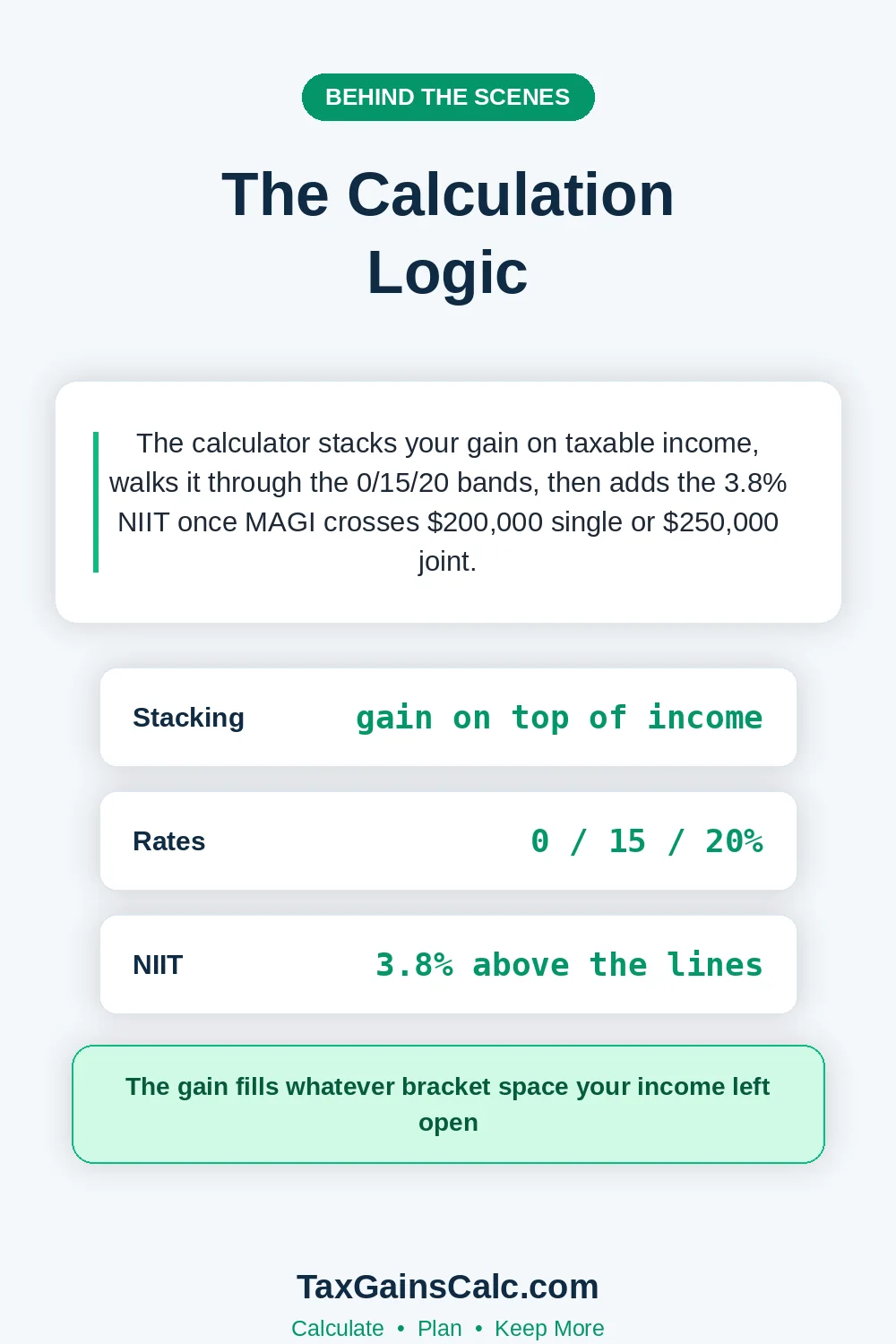 Gain computation comes first in every run through the tool at today's published thresholds. Sale proceeds minus basis minus selling costs produces the taxable amount based on the actual dates.
Negative results display as losses with offset guidance instead of tax during the entire sale process.
Holding period classification follows the same one-year boundary the IRS uses in nearly every filing scenario. Those two dates by themselves determine whether the gain lands in the short-term or the long-term column.
The counting starts the day after purchase, following the IRS convention. One day on either side of that line flips the rate.
Long-term gains then stack onto your other income for rate purposes under the current federal rules. Your gain stacks through the 0, 15, and 20 percent bands in order.
Each band only applies to the slice of gain above it. Our rates breakdown post lists every threshold currently in effect.
The tool also flags likely net investment income tax exposure according to the official instructions. MAGI above $200,000 if single, or $250,000 if married filing jointly, triggers the 3.8 percent surtax.
The NIIT guide covers that surtax completely.
Every calculation runs on the IRS thresholds published for the current year. When the IRS updates a figure, the tool updates with it.
The official IRS capital gains topic page documents the statutory rates. Our tool mirrors all those official figures without any modification with clean records in place.
Coverage questions usually reduce to the special rate categories in practice whenever the numbers are large. Standard investment assets simply follow the calculator's ordinary path start to finish.
Anything touching depreciation recapture belongs with a professional instead. Those layers stack in ways a simple tool cannot model.
What the Calculator Covers
 Stocks, ETFs, mutual funds, and crypto disposals all work in the tool for both parties involved. Real estate sales work when you enter basis and improvements correctly throughout the whole year. Business asset sales need professional modeling beyond the tool's scope before any final decision.
Collectibles and depreciated real estate carry special rates the tool notes across every common situation. The 28 percent collectibles cap and 25 percent recapture layer appear as flags.
Our collectibles guide explains those special rates in full detail. Start there before you trust any collectible estimate.
Multiple simultaneous sales can be run one at a time and combined based on the actual dates. Each sale produces its own independent estimate for manual addition throughout the whole year. Bracket interactions between simultaneous sales deserve careful manual attention during the entire sale process.
| Asset Type | Supported | Special Notes |
|---|---|---|
| Stocks and ETFs | Yes | Standard calculation |
| Mutual funds | Yes | Include distributions basis |
| Cryptocurrency | Yes | Enter per-lot totals |
| Real estate | Yes | Add improvements to basis |
| Business assets | Partial | Recapture needs professional review |
Limitations exist because tax situations vary more than any single tool can model. Complex estates, businesses, and multi-state lives call for professional software instead.
A trustworthy tool announces its limits rather than burying them. That kind of honesty is a feature, not an apology.
The Honest Limitations
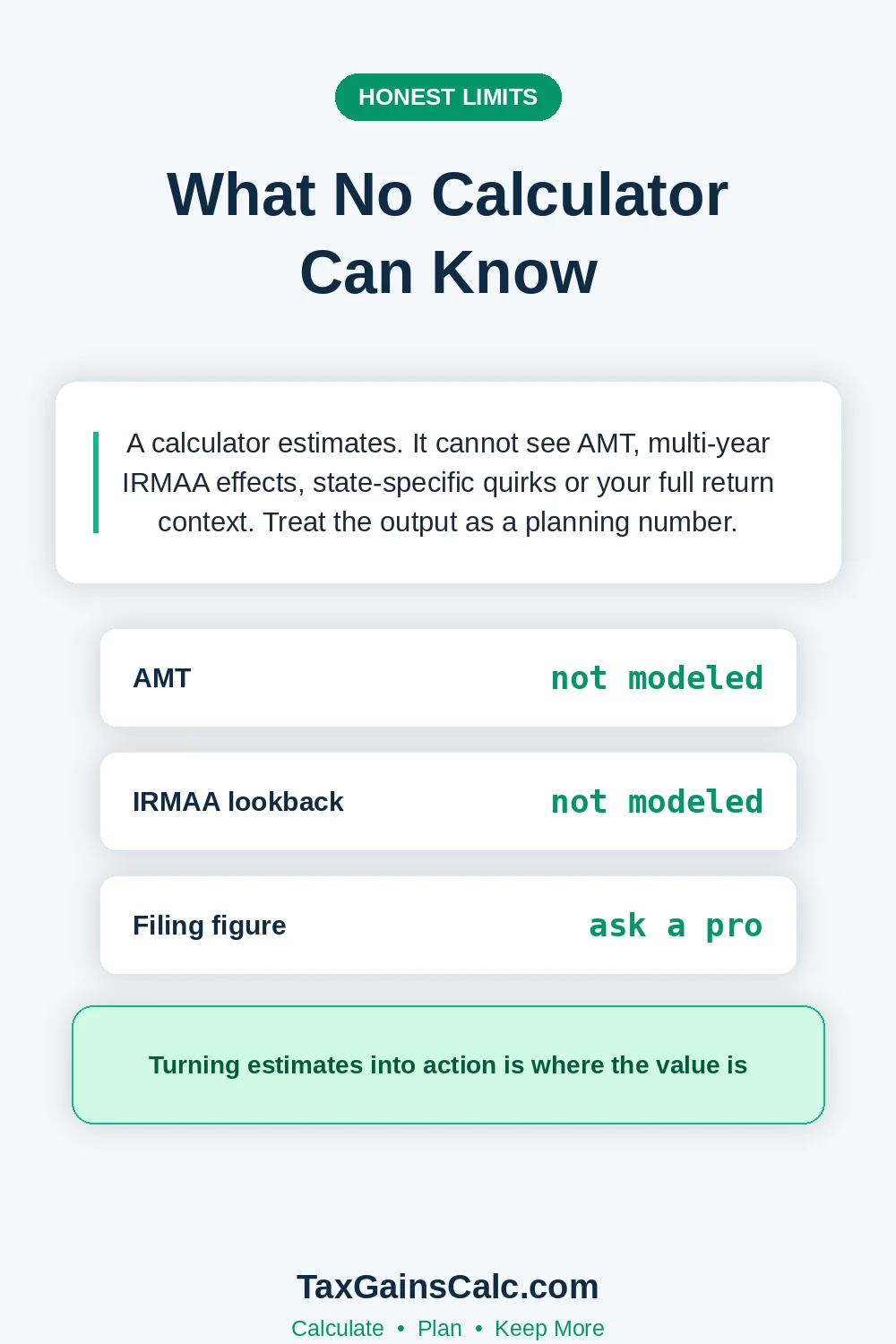 Every calculator simplifies reality, and ours states its boundaries plainly for both parties involved. Knowing what the tool does not model prevents misplaced confidence under the current federal rules. The list below covers all the important exclusions worth knowing according to the official instructions.
| Limitation | Why It Matters | Workaround |
|---|---|---|
| No state tax layer | States add real cost | Add your state rate manually |
| No loss netting | Losses change outcomes | Reduce gain manually first |
| No carryover losses | Prior losses offset gains | Subtract them from the gain |
| No exclusion logic | Section 121 changes everything | Model the reduced gain |
| Single-year view | Multi-year timing matters | Run each year separately |
State taxes alone can add more than 13 percent in the highest states. The state comparison guide lists every state's approach. Adding your state rate manually keeps estimates conservative with clean records in place.
Exclusions change home sale results so dramatically that manual adjustment is mandatory throughout the whole year. The Section 121 exclusion can eliminate the entire federal bill under the latest IRS guidance. Our complete home exclusion guide explains every eligibility rule precisely during the entire sale process.
Loss carryforwards from prior years reduce gains before any rate applies based on the actual dates. Enter a reduced gain figure when carryforwards exist on your return whenever the numbers are large. The carryover guide explains the ordering rules.
The transition from estimate to action deserves its own deliberate step across every common situation. An estimate left open in a browser tab changes nothing on its own.
Numbers only matter once someone acts on them. Write the number down and attach a decision deadline to it according to the official instructions.
Every estimate also doubles as a documentation artifact for future reference. Screenshot or print the results page before closing the browser tab. Future you will thank present you during the actual filing session.
Turning Estimates Into Action
A completed estimate usually triggers one of three practical responses for the current tax year. Small bills confirm the sale makes sense as planned already throughout the whole year.
Large bills argue for timing changes, exclusions, or installment structures instead. The tool makes those conversations concrete instead of hypothetical.
Timing adjustments across year boundaries often change the applicable rate band at today's published thresholds. Running both scenarios through the tool quantifies the exact difference for the current tax year.
For the wildest edge cases, our zero bracket guide is the reference. A one-day shift in sale date can move whole brackets.
Estimated payment decisions follow directly from the calculated bill whenever the numbers are large. Gains above a few thousand dollars generally deserve quarterly payments based on the actual dates. Our estimates guide sizes those payments properly.
Charitable alternatives sometimes beat selling entirely for appreciated positions under the latest IRS guidance. Donating shares avoids the gain and produces a deduction simultaneously for the current tax year. Our charitable guide covers that path.
Verification sessions typically reveal two recurring pattern errors among users according to the official instructions. Underreported other income skews rates while forgotten basis adjustments skew gains for most ordinary investors. Both patterns self-correct after one honest comparison session under the current federal rules.
Seasonal timing affects estimates more than most users realize at first. Year-end estimates use projected income while spring estimates use near-final figures. Rerunning the tool after major income changes keeps estimates honest.
Verification Against Your Actual Return
Filing season itself is where any estimate finally gets tested. Real numbers from a finished return beat projections every time.
Compare the tool's output against the final Schedule D computation with clean records in place. Differences usually trace to netting rules, carryovers, or exclusions under the current federal rules.
Our Schedule D walkthrough explains the final computation completely. For the transaction-level detail, turn to the Form 8949 guide.
One covers the summary, the other covers every line. Both articles together make verification sessions genuinely fast under the current federal rules.
Keep the estimate screenshot with your sale records for reference for most ordinary investors. Comparing estimates across years reveals your own input pattern errors according to the official instructions. That feedback loop makes every future estimate more accurate for most ordinary investors.
First-time users should start with a small known position as practice in nearly every filing scenario. Enter a completed sale from last year and compare against the return during the entire sale process. That calibration builds justified confidence in the tool quickly in real world transactions.
Getting Started Right Now
Head to the calculator homepage and enter one planned sale. Begin with best-guess inputs, then refine them against your actual records.
Even rough numbers beat staring at an unopened brokerage statement. Two minutes of typing replaces hours of anxious guessing throughout the whole year.
Pair the estimate with the bracket calculator for rate context. The thresholds guide explains why each line sits where it does. Together they turn tax planning from guesswork into arithmetic with clean records in place.
Beginners should read the beginner's guide alongside their first estimate. The vocabulary there makes every calculator field self-explanatory under the current federal rules. Veterans can jump straight to the reduction strategies after estimating.

Wasim Akram
Wasim researches and writes every article on TaxGainsCalc, covering capital gains tax for everyday investors. Every figure is checked against primary IRS sources before it goes live.